| [an error occurred while processing this directive] |
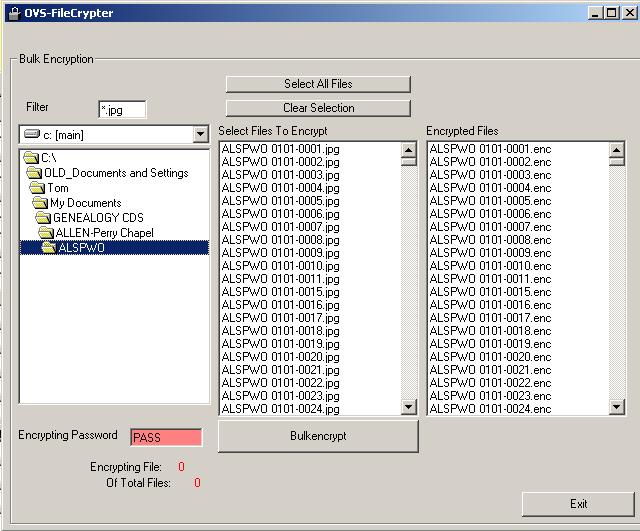
HelpEncrypting Photos and FilesNOTE: This utility is no longer necessary with version 2 of the CemEditor. It is still installed with the software. It is recommended with version 2 or above to use the built in CemToCD utility when publishing to create a CD or DVD distribution. This CemEditor utility makes a copy and encrypts the files so that only the CemViewer can open the files for viewing. It does not alter your existing photos or files. Using the UtilityTo start the utility click on the CemEditor "Final Steps - Data Protection" Tab, then click on "Encrypt Pictures" The following screen should display:
|